
A Production Camera Stack Is Mostly Edge Cases
What document scanning teaches about building reliable features around imperfect real-world inputs.
By The Grizzly Labs
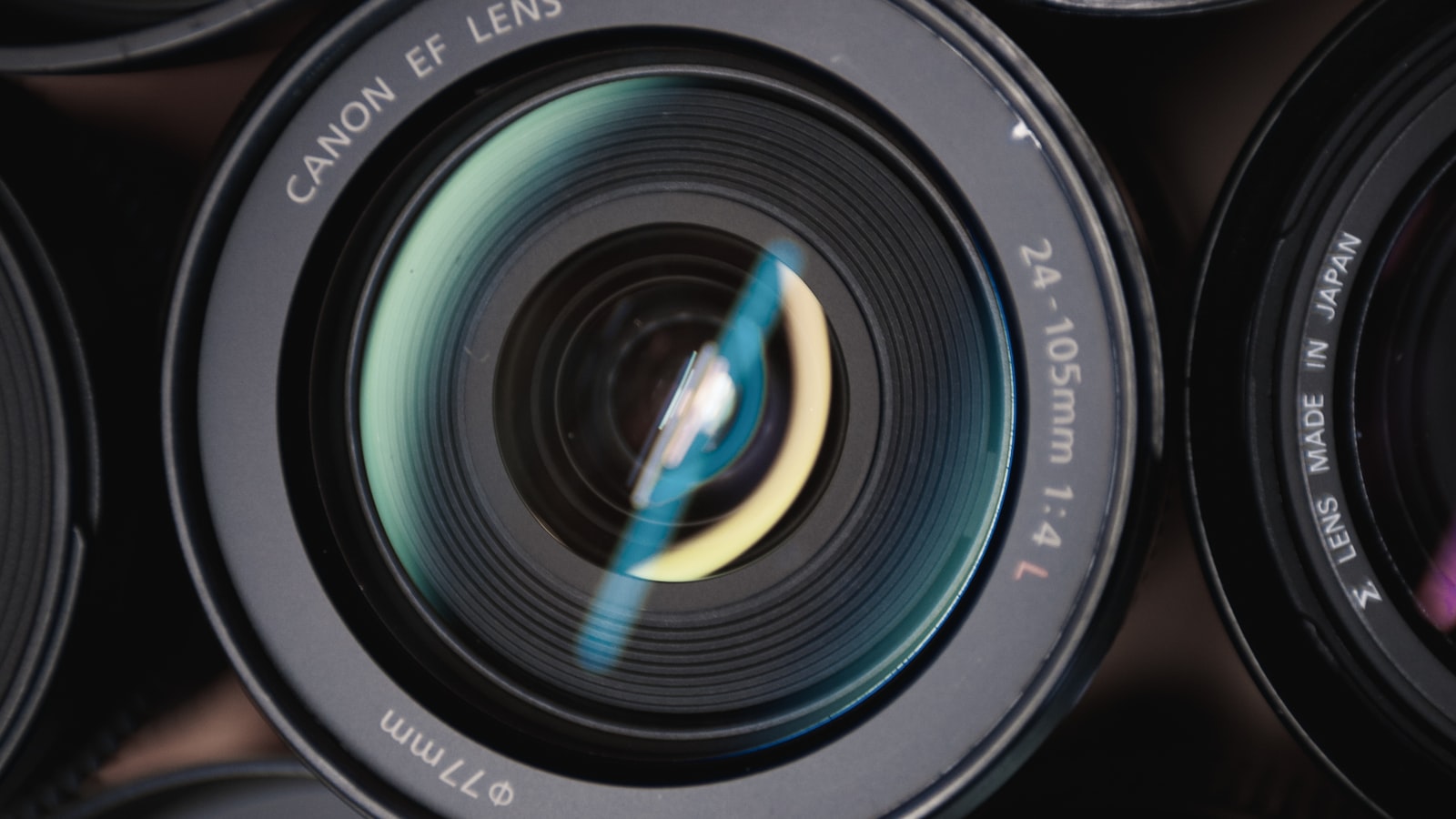
Most camera features start with a deceptively simple prototype. You open the camera, point it at a document, detect the edges, correct the perspective, enhance the image, and export a PDF. In the controlled environment of a demo, this can feel almost complete.
Production looks different. People scan receipts in cars, invoices on kitchen counters, forms in clinics, delivery slips on job sites, and IDs under bad lighting. They use old phones, low-end Android devices, iPads in windowed mode, large accessibility text, denied permissions, full storage, unstable connections, and documents that are folded, glossy, curved, handwritten, shadowed, or almost the same color as the table underneath.
That is one of the main lessons we learned building Genius Scan and Genius Scan SDK: a production camera stack is mostly edge cases.
This article is about camera capture, but the lesson applies more broadly. Any feature that turns messy real-world input into something structured, whether it is a document scanner, an OCR pipeline, an AI assistant, a receipt parser, a support chatbot, or a visual inspection tool, has to be designed around uncertainty. Accuracy matters, but recovery often matters more.
What Comes After Capture
A common mistake is to define a camera feature as “taking a picture.” That is rarely the real requirement. The real requirement is what happens next.
If the image feeds an OCR pipeline, the text must be readable enough to recognize. If it becomes a PDF archive, the output must be legible, searchable, shareable, and compact enough not to waste storage space. If it supports an insurance claim, a delivery proof, an identity check, or a field report, the capture needs to be trustworthy enough for the business process behind it.
We were reminded of this recently by a founder building a mobile-first product where users need to capture physical objects precisely enough for automated analysis. Their team had already invested in real-time corner detection, perspective correction, validation rules, fallback paths, and diagnostic logging. After months of work, they reached a familiar conclusion: the capture experience was becoming a product in itself.
That is the first useful lesson for developers: define capture quality from the downstream workflow, not from the camera preview. A photo can look acceptable and still fail OCR. A cropped image can look clean and still remove information needed later. A scan can open correctly in one PDF reader and produce poor text extraction in another. Once you understand what the next system needs, you can decide which errors are acceptable, which ones require a warning, and which ones should stop the flow.
Trust Starts With the UX
The first thing users experience is not your image processing pipeline. It is the preview.
If the camera opens slowly, if the flash toggle freezes the image, if the overlay does not match the captured result, or if the session fails to resume correctly, users lose confidence before they ever reach the part of the product that may be technically impressive. They do not think “there is a minor lifecycle issue in the camera session.” They think the scanner is unreliable.
This is true well beyond scanning. A bank may have excellent security, strong infrastructure, and careful internal processes, but if its app is buggy, confusing, or visually neglected, users will still hesitate to trust it. The surface is not the whole product, but it shapes how people judge the product underneath.
For a camera feature, that surface is the preview. Users need to trust what they see before capture if they are going to trust what your pipeline produces after capture.
This is why platform APIs help, but do not remove product work. On Android, Genius Scan SDK 6 moved fully to CameraX and dropped the legacy Camera API. That was the right foundation for the future, but it did not make camera handling disappear as a concern. We still had to handle preview callbacks, device-specific camera availability issues, image buffer conversion, memory management, and interaction details such as changing the flash mode without restarting the camera.
On iOS, the device matrix is smaller, but the expectations are high and the system keeps evolving. Camera sessions have lifecycle and threading subtleties. Preview layers can block the main thread. Capture callbacks need to remain safe when users tap quickly or when the app moves between states. iPad windowing and new system UI conventions can affect where controls appear and whether they remain usable.
Design the Fallback With the Feature
The physical world is messy. Paper bends. Hands shake. Light changes. Cameras struggle. Users move too fast. Documents have shadows, folds, glare, stains, handwriting, stamps, and backgrounds that confuse automatic detection. No amount of engineering removes this entirely.
The same is true for many automated systems. A document detector can miss an edge. OCR can misread a word. A chatbot can give an uncertain or incorrect answer. A receipt parser can extract the wrong total. A visual inspection tool can receive an image that is too blurry for analysis.
The engineering goal is not to pretend these cases can be eliminated. The goal is to decide what happens when confidence is low or the result is wrong.
For scanning, that means making correction cheap and timely. A user should be able to review a page, recrop it, rotate it, reorder it, delete it, retake it, or respond to a blur warning while they are still in the scanning context. If the app waits until export, OCR, or upload to reveal that the image was not good enough, the user has already lost the chance to fix the problem easily.
That thinking shaped much of Genius Scan SDK 6. The redesigned scan flow lets users return to previously captured pages before finishing. The recrop screen gained clearer controls, including side handles that make it easier to adjust an entire document edge rather than only dragging corners. Blur and readability warnings help users catch bad captures before they become bad documents. We are also working on showing the recrop step proactively when confidence is low, so users can correct uncertain captures at the right moment instead of discovering the problem later.
This is the same principle developers apply in other domains. A chatbot should make it easy to escalate when it is unsure. An import tool should let users review questionable matches before committing changes. A payment flow should distinguish retryable failures from hard declines. An OCR workflow should let users correct extracted fields before the data is sent downstream.
The fallback should not be a support article, a dead-end alert, or a generic “something went wrong.” It should be part of the main flow.
Edge Cases Become Normal at Scale
It is tempting to treat unusual device configurations, accessibility settings, and rare failures as secondary. At small scale, “only one percent of users” sounds small. At production scale, one percent can mean thousands of failed or degraded experiences.
Accessibility is the right thing to do regardless of numbers, but scale makes the operational reality obvious. VoiceOver, TalkBack, large text sizes, one-handed use, old devices, rotation changes, low light, iPad windowing, unusual languages, and low storage are not theoretical cases. They are part of daily usage once a product reaches enough people.
Camera interfaces are especially sensitive to this because they are visual, dynamic, and gesture-heavy. A scan flow often contains overlays, live guidance messages, thumbnails, toolbars, draggable corners, warning banners, and transient states. Supporting assistive technologies and larger text sizes cannot be bolted on at the end without affecting the design itself.
In SDK 6, accessibility work touched many parts of the scan flow: announcing guidance messages without overwhelming VoiceOver, focusing the right controls when assistive technologies are enabled, exposing toggle states, labeling pages clearly, and improving layouts at large text sizes on both iOS and Android. These changes are not separate from scanning quality. They are part of what makes the scanner reliable for real users.
The broader lesson is that edge cases deserve a place in the product roadmap. Not every rare issue has the same priority, but if a class of failures repeats through support tickets, crash reports, customer integrations, or internal dogfooding, it is no longer an exception. It is information about where the product is fragile.
Use Real Failures as a Roadmap
One advantage of building both Genius Scan and Genius Scan SDK is that the same scanning engine is tested in very different contexts. Genius Scan gives us broad real-world usage across documents, devices, languages, and environments. SDK customers bring their own workflows, constraints, and integration needs.
Sometimes a problem appears first in Genius Scan, such as an OS-specific camera issue or an OCR freeze on older devices. Sometimes it comes from an SDK customer using a lower-level API in a way we had not fully anticipated. In both cases, the fix strengthens the stack for everyone.
This feedback loop is important because document capture is not a solved problem in the way a demo can make it appear solved. Platforms change. Devices change. User expectations change. Accessibility expectations improve. Business workflows become more mobile. The work is not only to ship a detector once, but to keep turning real-world failures into product improvements.
For developers, this may be the most transferable practice: keep a living checklist of the cases that hurt your feature in production. Include support tickets, crash reports, customer feedback, QA findings, and integration problems. Over time, that checklist becomes more valuable than the original prototype because it reflects how the product actually behaves outside ideal conditions.
The Work Users Do Not See
The best camera stack is the one users barely notice. It opens quickly, guides them only when useful, lets them correct mistakes, produces readable documents, and fails in ways the app can explain. When it works, users do not think about camera APIs, image buffers, OCR engines, quadrangle geometry, or PDF text layers. They simply scan the document and move on.
That invisibility takes work. It comes from handling hundreds of small cases that are easy to dismiss individually and expensive to ignore collectively.
Opening the camera is easy. Making capture reliable enough to become the front door of someone else’s workflow is the hard part.